Free Blank Invoice Templates to Print & Fill Manually (2025 Collection)
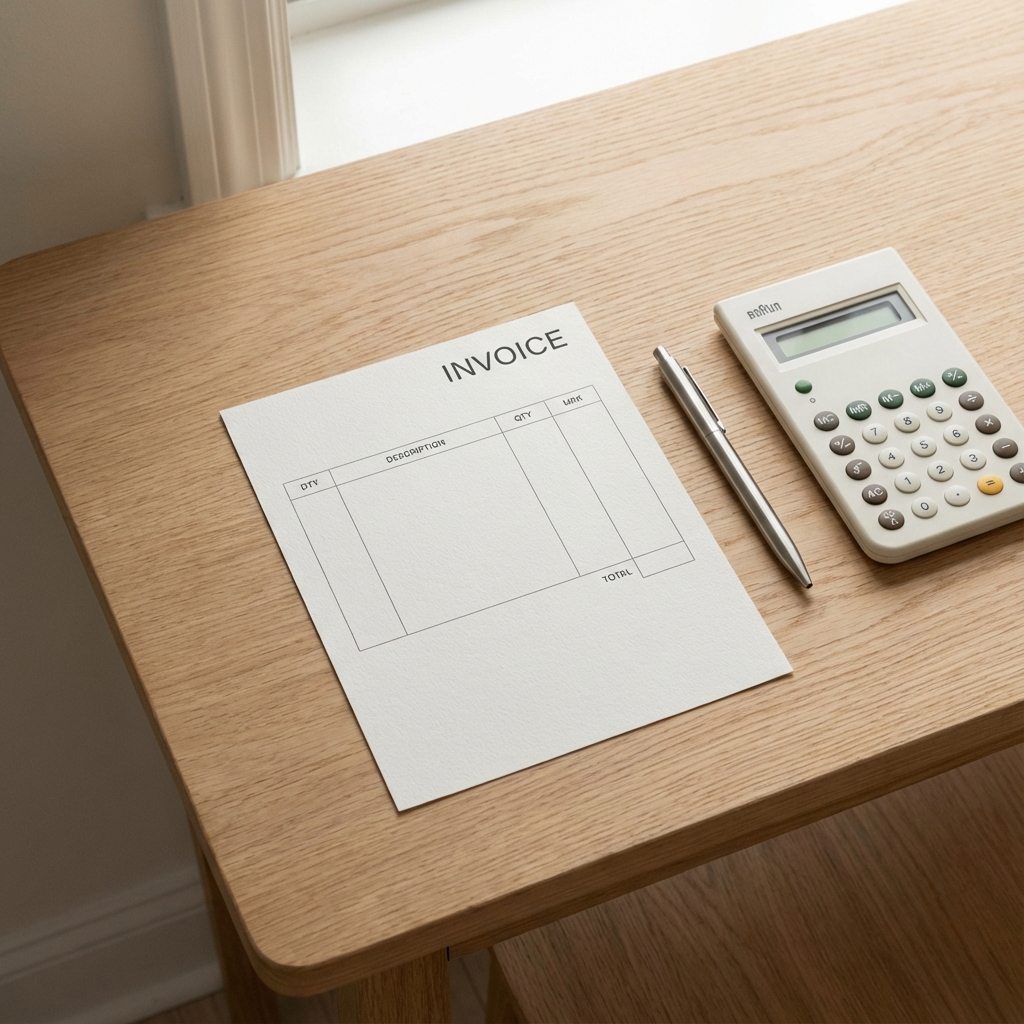
AI Image Prompt: Top down view of a clean wooden desk with a printed blank invoice paper, a high quality pen, and a calculator, minimalist aesthetic, natural lighting
In our high-tech world of automated billing and cloud software, there is still a strong, valid need for the classics. Sometimes, you just need a piece of paper. You need a printable invoice template that you can keep in your truck, clipboard, or desk drawer, ready to be filled out by hand the moment a job is done.
Whether you are a contractor working in areas with poor cell service, a landlord collecting rent, or a small business owner who prefers the tangible certainty of pen on paper, a blank invoice pdf is an essential tool. It's reliable, it never runs out of battery, and it doesn't require a Wi-Fi password.
This guide provides a curated collection of free, professional blank invoice templates designed for manual filling. We'll discuss when to use them, how to fill them out correctly to ensure they are legally binding, and where to download the best handwritten invoice format for your specific industry.
Why Use Manual, Handwritten Invoices in 2025?
It might seem counterintuitive to use paper in the digital age, but manual invoicing has distinct advantages in specific scenarios:
1. Reliability in the Field
If you are a landscaper, plumber, or agricultural worker, you might find yourself in locations with zero internet connectivity. A stack of printed blank invoices in your glove box ensures you can always issue a bill, regardless of signal strength.
2. Immediate Physical Proof
Some clients, particularly older generations or specific corporate departments, prefer a physical piece of paper handed to them upon delivery. It serves as immediate proof of receipt and work completion.
3. Simplicity and Speed
For a quick $50 job, booting up a laptop or navigating an app might feel like overkill. Pulling out a sheet and scribbling "Lawn Mowing - $50" takes ten seconds and requires no technology.
4. No Technical Glitches
Paper doesn't crash. It doesn't have server outages. It doesn't require a software update. It just works.
AI Image Prompt: Artistic composition contrasting a sleek digital tablet displaying an invoice app next to a rugged clipboard with a paper invoice and a pen, symbolizing the choice between digital and analog tools
Types of Blank Invoice Templates Available
One size does not fit all. Depending on your trade, you'll need a specific handwritten invoice format. Here are the most common types you can download:
The Standard Service Invoice
Best for: Consultants, freelancers, general labor.
Features: Large "Description" field, hourly rate column, simple total.
The Labor & Materials Invoice
Best for: HVAC, plumbing, construction, auto repair.
Features: Separated sections for "Parts/Materials" and "Labor Hours," allowing for clear cost breakdowns.
The Receipt-Style Invoice
Best for: Retail, market stalls, quick sales.
Features: Compact size (often 2 or 4 per page), focused on "Paid" status rather than "Due."
The Proforma/Quote Template
Best for: Estimating jobs before starting.
Features: Clearly marked "Estimate" or "Quote" to prevent it being confused for a final bill.
How to Fill Out a Blank Invoice Manually
Writing an invoice by hand requires attention to detail. Illegible handwriting or missing info can delay payment. Follow these rules for a professional printable invoice template:
1. Use a Dark Pen
Always use a blue or black ballpoint pen. Pencil can be erased or smudged. Gel pens might bleed if the paper gets wet. A standard ballpoint is permanent and professional.
2. Write Clearly in Block Capitals
Cursive handwriting can be hard to read. Print in BLOCK CAPITALS for the client's name, address, and email. If they can't read your email address, they can't contact you.
3. Don't Forget the Date and Number
Manually add a unique invoice number (e.g., 001, 002). This is crucial for your own record-keeping. Never leave the date blank.
4. Calculate Carefully
You don't have a computer doing the math for you. Use a calculator (or your phone) to double-check the subtotal and tax. Math errors on handwritten invoices look unprofessional and suspicious.
5. Sign It
A physical signature at the bottom adds a touch of authenticity and finality to a handwritten document.
PDF vs. Word vs. Excel: Which Format to Download?
When looking for a blank invoice pdf, you'll often see other formats. Which should you choose?
- PDF (Recommended): Best for printing. It ensures the lines and boxes print exactly as they appear on screen. It's "ready to print."
- Word (.docx): Good if you want to type your company name and address before printing a stack of 50. You can customize the header and then print blank bodies.
- Excel (.xlsx): Best if you plan to fill it out on the computer later, but for printing blank forms, it can be tricky with page margins.
Pro Tip: DIY Carbonless Books
If you use a lot of manual invoices, consider taking your downloaded printable invoice template to a local print shop. Ask them to print it on NCR (No Carbon Required) paper and bind it into a pad.
This gives you a custom duplicate book. When you write on the top white sheet (for the client), it automatically copies to the yellow sheet below (for your records). It costs a bit more but saves you the hassle of photocopying or taking pictures of every invoice you hand out.
AI Image Prompt: Close up of a multi-part carbonless invoice form (white, yellow, pink sheets), showing handwritten text transferring to the copy below, professional print quality
Conclusion: The Power of Paper
In a digital world, paper persists because it is tangible, immediate, and universally understood. Having a stash of free blank invoice templates is a smart backup plan for any business owner. It ensures that technology failure never stops your cash flow.
Download a template that suits your style, print a batch, and keep them in your vehicle. You might not use them every day, but on the day you need them, they will be worth their weight in gold.